Hold Admin on your own Google Ads account before you give notice, export the baseline, move conversion tracking, audiences and billing onto assets you control, then unlink the old agency's manager account last, after a two-week freeze and read-only overlap for the new agency. The account, its ID and its history never move; only the manager links and users change.
This page is for stores spending $10,000 a month or more on Google Ads in the US, or £5,000 or more in the UK, that have already decided to leave the incumbent. If you are still deciding, run the five reports on whether your Google Ads agency is doing a good job first. This page starts after that decision and ends when the old agency's manager account is unlinked and the new one is bidding on clean data.
A handover has two failure modes and they pull in opposite directions. Move too fast and you break the things Google documents will break: cross-account conversion actions stop recording, lists on the manager's tag stop populating, an invoiced account stops serving. Move too slowly, with both agencies changing the same account, and Smart Bidding keeps going back into learning. On an account taken over in late March 2026, performance fell after the handover for the second reason: bid strategy and keyword changes were stacked in the same weeks, so the account kept going back into learning. The sequence below exists to avoid both.
The nearest thing to an official guide is Google's own help page on transferring a client account to another agency, and it covers one step: who pays. Everything else here is assembled from Google's documentation on manager accounts, conversion tracking, audiences, rules and scripts, all read on October 31, 2026, and from what we found on accounts we took over. Setup's sixth annual Marketing Relationship Survey, released late 2024 with more than 400 contributions, found 40% of clients expecting to switch agency partners within six months, with dissatisfaction with delivery the number one reason clients end agency partnerships, at 48%. The switch is common. The handover done in the right order is not.
The handover checklist, in order
Nine steps. The first four start before you give notice. The one exception is the conversion switch in step 3, which happens early in the freeze, before the unlink. The order matters more than the speed.
| Step | Do this | Google's rule, or the reason | If you skip it |
|---|---|---|---|
| 1. Confirm control | From your company login open Admin, then Access and security. You hold Admin on two company logins, and in the Managers tab the Owner column reads No for the agency's manager account | Only Admin users "can unlink manager accounts". "If a manager creates a new account, the manager will automatically become the owner of that account" | Nobody at the company can unlink the old agency, and the account sits inside their structure until they transfer it |
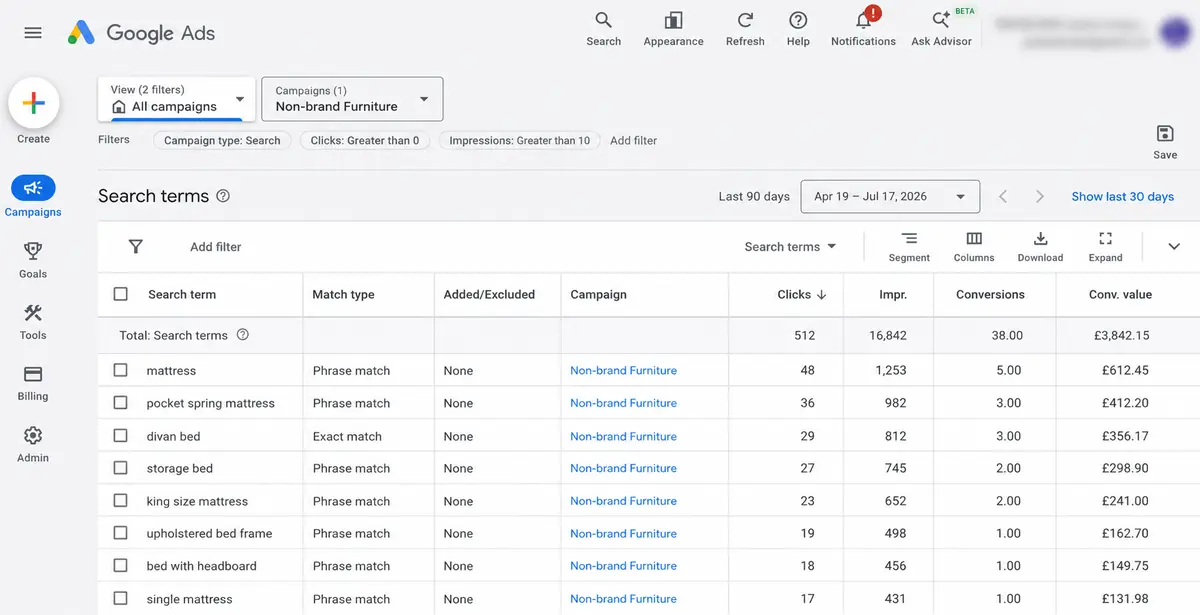
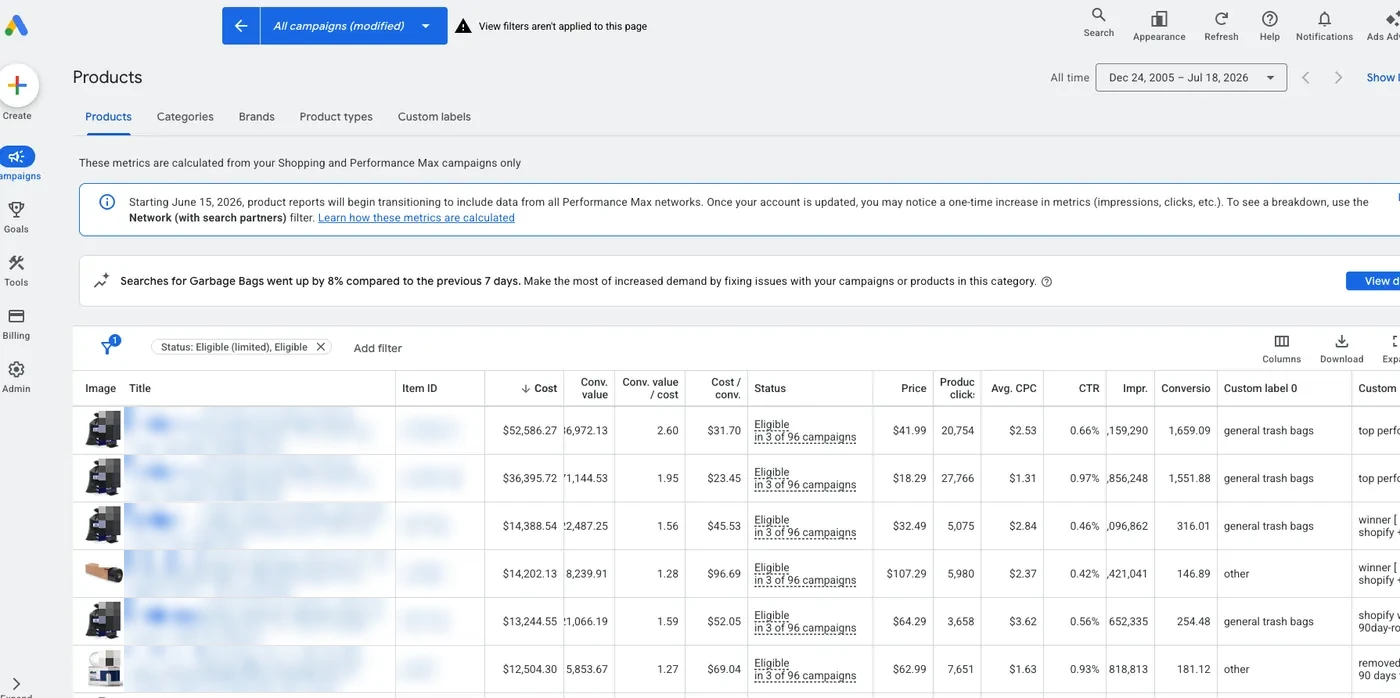
| 2. Export the baseline | Search terms for the longest range available; change history for two years, sorted by user; the conversion actions list with status and whether each action is editable; Audience manager with list sizes and sources; negative keyword lists; bid strategy targets; a Google Ads Editor whole-account export; billing settings and invoices | "Data older than 2 years won't be available." Google Ads Editor exports "the whole account" to CSV | The new operator diagnoses blind, and any dispute about what the old agency changed or spent has no evidence |
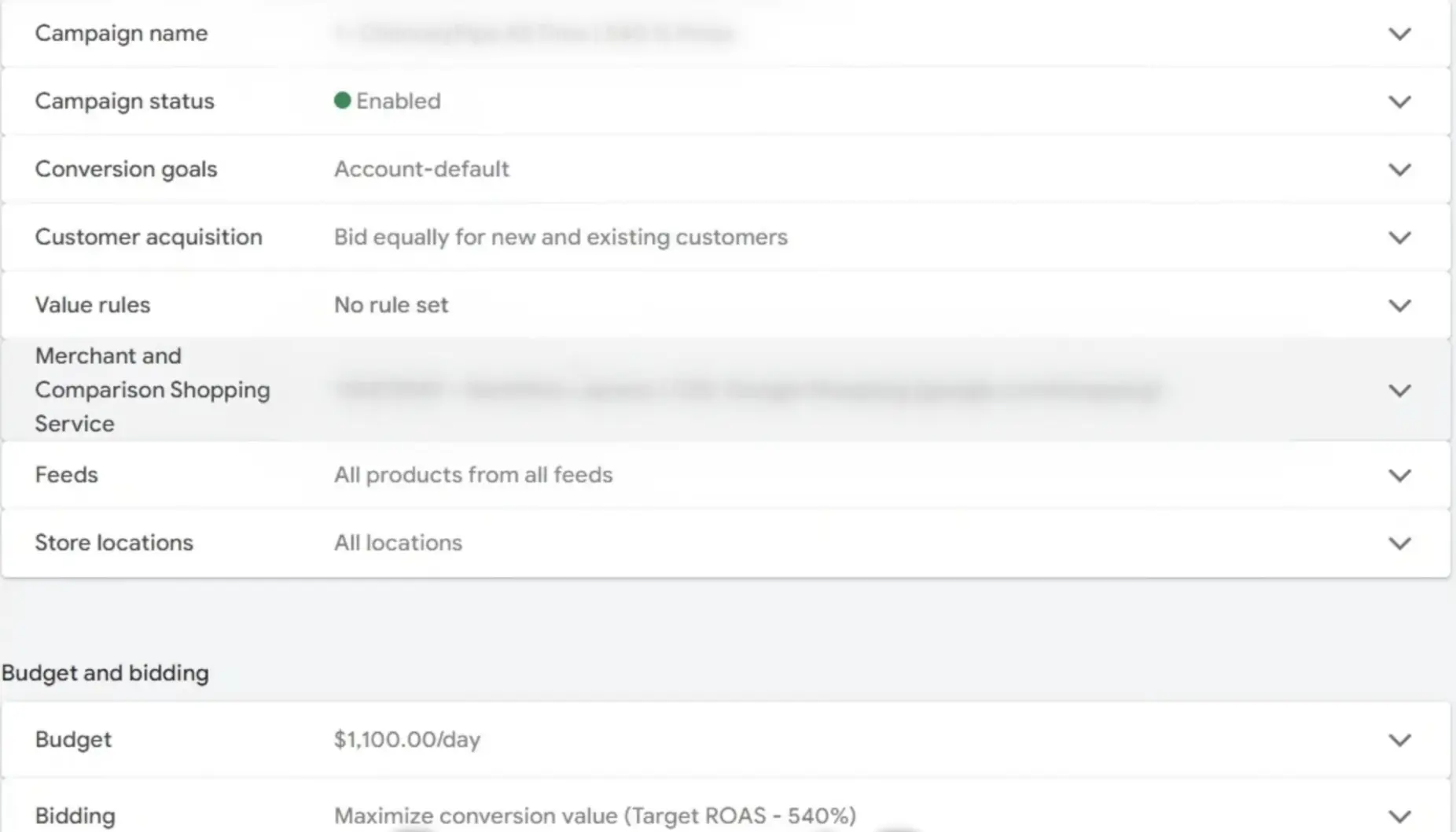
| 3. Map the conversion setup | A purchase action you can see but not edit is a cross-account action owned by the manager account, and while the account uses it, it can't use its own actions. Find any old account-level purchase action and check its tag is still on the site; if the tag was removed, generate it again and add it back. Early in the freeze, with the manager still linked, switch the account under Goals, Settings, Conversion account, This account, then confirm your action records before you unlink. If there is no old action, create one on your own tag the same day. Leave the manager's tag on the site for one conversion window after the switch, even if the unlink comes first | "A Google Ads account can use account-specific conversions or cross-account conversions. It can't use both." Google says an account's own actions can be used again once cross-account is disabled, and that a managed account can opt out at any time. After an unlink, the manager's tag "will no longer record conversions for clicks that take place after the account was unlinked" | The account loses its purchase signal on cutover and Smart Bidding runs blind |
| 4. Rebuild audiences on your tag | In Audience manager, note which lists are built on your tag and which on the manager's tag or shared from it. Rebuild the ones campaigns depend on | After an unlink, "the lists that rely on the shared tag will no longer populate in that account". Ad groups targeting the manager's shared lists, and campaigns excluding them, "will stop running" | Remarketing ad groups go dark on cutover |
| 5. Give notice with a freeze | Written notice per the contract, and a change freeze: the incumbent keeps campaigns running and makes no bid strategy, target, conversion goal, budget, structure or keyword changes, apart from the conversion switch in step 3 | "Composition change: Campaigns, ad groups, or keywords have been added to or removed from the bid strategy" and "Goal Change: The conversion goals or actions you are optimizing to have significantly changed" each put a strategy back into learning. Budgets and targets are in the freeze to keep the baseline readable, not for learning: Google says updates to them "never trigger" it | Two operators changing one account reset learning twice |
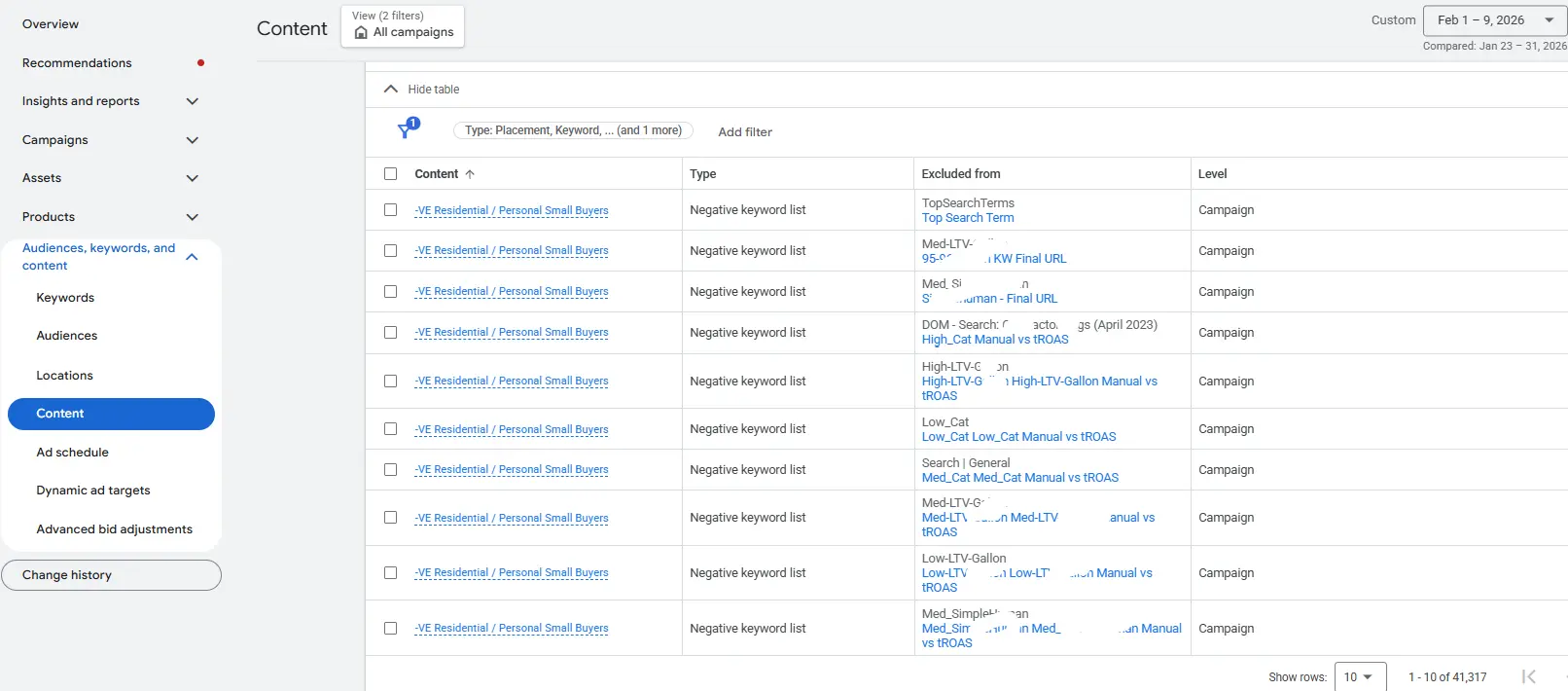
| 6. Audit the automation | Tools, then Bulk actions: list every rule and script. Pause or delete the rules you do not want. Have someone with access re-authorize the scripts you do. Ask the agency for a list of anything it runs from its manager account; those do not show in yours | Google's own example: "a rule created by a user who no longer has account access will continue running without any errors." A script whose author is "disassociated with the Google Ads account" will "stop running but remain available" | The old agency's rules keep changing bids after they are gone, and the scripts you relied on go silent |
| 7. Move billing first | If Google invoices the account through the agency's manager account, the agency has to start Change who pays from that manager account. Have it name the new paying manager, set the transfer date to your cutover day, and start it when the overlap starts, before anything is unlinked. Do not use As soon as possible unless the new manager will be linked within 7 days | Google's page on the transfer: "the new agency will have 7 days to approve or deny the request." Its page for the receiving agency, written for a beta flow, adds a second clock: the account must be "linked to your manager account within 7 days of the transfer, otherwise your ads will stop running." On monthly invoicing, unlink the paying manager first and "the account will stop serving after you unlink it" | The account goes dark, a missed 7-day window cancels the request, and a new manager linked more than 7 days after the transfer stops the ads |
| 8. Check Merchant Center, GA4 and the tag container | Who holds Admin on Merchant Center and the URL claim; which Analytics account holds the GA4 property; whose Tag Manager account holds the container | "A single URL can only be claimed by one account." Moving a GA4 property needs "the Administrator and Editor roles for both the source and destination accounts." A Tag Manager container exports as JSON | Shopping stops at the feed, GA4 history stays with the agency, and the site tag cannot be edited |
| 9. Overlap, then unlink last | Two weeks: the new agency on read-only access, diagnosing and sequencing. Then, on one day, confirm Billing settings names the new paying manager if step 7 applied, link the new manager account without ownership, unlink the old manager, remove the old users. No bid strategy, target, goal or composition changes in the first conversion cycles unless the diagnosis demands them | Google says it "can take up to 1 to 2 conversion cycles for performance to stabilize to your new ROI goal". "Conversion data from previous campaigns can help drive faster results" | Changes stacked on a cutover in the busiest month reset learning in the weeks when each conversion is worth the most |
Every quoted sentence is from Google Ads Help, Google Ads Editor Help, Merchant Center Help, Analytics Help or the Google Ads scripts documentation, read October 31, 2026. The source list is at the end of the page.
Before you give notice: five checks that decide how hard this will be
About 20 minutes, all read-only, all from your own login. Write the answers down; they set the length of the overlap.
Access and security. Your company login is listed as Admin, on at least two logins. The Managers tab shows every linked manager account and an Owner column. Google warns that "if your account has only one administrator, you may lose access to your tags if that user becomes unavailable". One Admin, held by someone at the agency, is the worst reading.
Conversions summary. Open each purchase action. If you can see it but not edit it, it is a cross-account action: Google states client accounts "will be able to see, but not make changes to, cross-account conversion actions". That is tracking you will have to rebuild before cutover.
Audience manager. Each list shows its source. Lists built on your account's tag survive the handover; lists built on the manager's tag or shared from the manager account do not.
Billing. Billing settings shows whose payments profile pays Google. On monthly invoicing, the same page names the paying manager account. If that is the agency's manager, step 7 is mandatory and it comes before the unlink.
Everything outside Google Ads. Merchant Center, People and access: who holds Admin, which agencies sit in the Partners table, and whether the URL claim sits in an account you can open. GA4, Account access management: which Analytics account holds the property and who is Administrator. Tag Manager: whose account holds the container your theme loads.
Count how many of the five point at the agency. Zero or one, and a two-week handover is enough. Three or more, and you are not switching agencies; you are rebuilding measurement infrastructure while trading, and the overlap has to be longer. If the Google Ads account itself was created inside the agency's manager account, a transfer comes before everything on this page: Google Ads Help documents it, the current Admin invites your login as Admin and, once you have completed the transfer, removes their own access, and only the incumbent can start it. The contract terms that prevent that position are in our guide to Google Ads account ownership.
What breaks during a handover, hardest to undo first
Smart Bidding goes back to learning, twice. Google lists three triggers for a Learning status: a strategy that was "recently created or reactivated", a "composition change" where campaigns, ad groups or keywords were added or removed, and a "goal change" where the conversion goals or actions you optimize to have significantly changed. An incumbent tidying up during notice trips one. A new agency restructuring in week one trips another. Budget, target and targeting changes are not on that list: Google says they "never trigger" it. A target change still has a cost: Google advises against several target changes inside one conversion cycle unless there is a clear business need. Google also says the status "never lasts more than 7 days", while performance "can take up to 1 to 2 conversion cycles" to stabilize. So a cleared status does not mean performance has settled, and a Learning status that outlasts 7 days or keeps coming back means something keeps setting it off. On the account taken over in late March 2026, the stacked changes did exactly that, and the client read the decline as the new agency's competence. It was sequencing. There is a second, quieter version of this: a new account or a new conversion action starts with no history, and Google requires "at least 15 conversions in the past 30 days at the conversion tracking level" before Target ROAS is even available on Search and Shopping.
Conversion tracking changes hands at the worst moment. If the purchase action is a cross-account action, the unlink does not zero the report on day one. Google says the manager's tag "will continue to record conversions for clicks that took place before the account was unlinked for the duration of the conversion window (typically 30 days)", while clicks after the unlink record nothing. The numbers thin out slowly and the drop gets misread, long after anyone connects it to the handover. The fix is an account-level purchase action on your own tag, recording before the unlink. That takes one step the unlink will not do for you: while the account uses the manager's actions, Google says it "can't use its own conversion actions anymore", so you switch it back first, early in the freeze, under Goals, Settings, Conversion account, This account. Use an old account-level purchase action if one exists, since Google says its statistics are not lost; if its tag was removed, generate it again and add it to the site before you switch. Only if there is no old action do you create a new one, the same day, and that one starts at zero history. Leave the manager's tag on the site for one conversion window, even if the unlink comes first, and check campaign goals after the switch, because campaigns targeting a specific action move to the default goals. The swap can also count as a "goal change", so treat it as the one planned reset and change nothing else around it.
Audiences stop populating. Lists built on the manager's remarketing tag stop filling the moment the link ends. Lists shared from the manager account go further: the account loses access to them, and ad groups targeting them, and campaigns excluding them, stop running. Google's unlinking page says nothing about Customer Match lists you uploaded into your own account, so check them in Audience manager before and after cutover. If the old account is abandoned for a new one instead, Google cancels an account inactive with no spending for more than 15 months, sets its remarketing and Customer Match lists to Closed, and about a month later cuts their membership duration to one day.
The old agency's automation outlives the old agency. Since July 2021, Google has kept automated rules running after their creator loses access to the account. Scripts behave the opposite way: when the author is disassociated from the account, the script stops running but stays listed. On one US ecommerce account we took over, ten automated rules built by the previous agency between December 2019 and October 2022 were still in the account, inactive, when we opened it. Inactive was luck, not design. Pause or delete what you do not want before the unlink, and re-authorize the scripts you do.
Billing goes dark. On monthly invoicing with the agency's manager as the paying account, unlinking first stops the account from serving. Google's documented path is a billing transfer, Change who pays, which the old agency has to start from its manager account. The new payer then has 7 days to accept, and the account must be linked to that new paying manager within 7 days of the transfer. It is the one step Google wrote a dedicated page for, and it is the one most brands on card billing never need.
The assets that were never in Google Ads. The Merchant Center URL claim, the GA4 property, the Tag Manager container, the owner of the Shopify Google & YouTube channel app, the subscription that pays for the feed app and holds its rules. None of them is touched by a manager unlink, which is why they are the ones nobody checks until Shopping stops.
The fix at $10,000 a month, and what changes at $50,000
Every step in the checklist is DIY at any spend. The exports are reports you already have access to, the access changes are buttons in Admin, and the new conversion actions and audiences are an afternoon for whoever manages your tag. DIY stops making sense at the diagnosis, not the mechanics. Reading two years of change history and a long search terms export into a sequencing plan is the new operator's job, and the overlap exists so they can do it before they touch anything.
The exports are the diagnosis. On a US personalized photo blanket account we took over (ThatBlanket.co, as published on our agency performance guide), the 125-day export ending February 26, 2026 showed about $52,758 of spend returning about $50,314 in conversion value, a blended 0.95x, while the search terms underneath ran from 5.61x on brand to 0.15x on kids terms and zero on sports. None of that was in a report. All of it was in exports anyone with Standard access could pull in an hour. Pull them before notice, from your own login, so the baseline exists whatever the incumbent does next.
Two weeks of overlap is the floor Google's own numbers support. It lets the incumbent's last changes settle for at least one conversion cycle, lets the new operator read the account without touching it, and gives a billing transfer time to clear its 7-day acceptance window. Date that transfer for cutover day, because the account must be linked to the new paying manager within 7 days of it. The cutover itself happens on one day: the new manager account linked without ownership, the old manager unlinked, the old users removed. The first changes after it are sequenced, one at a time, each with a date in change history, so that if performance moves you know which change moved it.
At $50,000 a month and above, three things change. Monthly invoicing is likely, so the billing transfer stops being optional and has to start when the overlap starts, not on cutover day. If your company has its own manager account and Google has approved it for monthly invoicing, it can be the paying manager, so a later agency change need not touch billing while it stays linked. Google's transfer pages are written for agencies and monthly invoicing has its own application and credit review, so confirm the setup with Google before you plan around it. More accounts and more users: separate US and UK accounts, a Merchant Center with several linked accounts, half a dozen agency logins accumulated over the years, so the user audit needs a spreadsheet. And the stabilization cost scales with the spend: 1 to 2 conversion cycles at $50,000 a month, at a seven-day cycle, is up to about $12,000 to $23,000 of spend while the strategy stabilizes. If the cutover would land inside your peak trading month, extend the freeze past it rather than running that window in the month that funds the year.
UK stores: identical mechanics, pounds not dollars, and two local checks. If a Comparison Shopping Service partner set up your Merchant Center, confirm the URL claim sits in an account you can open before the old PPC agency is removed from the Partners table. And the notice period is in the contract while the access is in Admin; treat them as separate questions, because a PPC agency can honor one and stall the other.
What a bad handover costs at your spend
Round numbers, substitute your own; this is arithmetic with its assumptions stated, not a client result. A store spending $30,000 a month cuts over with no freeze and a week-one restructure. Google's figure is up to 1 to 2 conversion cycles for performance to stabilize. With a seven-day conversion cycle, that is 7 to 14 days, about $7,000 to $14,000 of spend. If the account runs 20% below its normal efficiency in that window, an assumption to replace with your own number, a store at 3.0x ROAS gives up about $4,200 to $8,400 of conversion value. At $50,000 a month the same window is about $12,000 to $23,000 of spend and about $7,000 to $14,000 of conversion value.
Now add a dark day. An invoiced account at $50,000 a month deploys about $1,667 a day. Unlink the paying manager before the billing transfer clears and the account stops serving: each day is $1,667 of spend not deployed and, at 3.0x, about $5,000 of revenue not generated, while the new payer's 7-day acceptance window runs. Miss the window and the request cancels and you start again.
Then add the slow failure. A cross-account purchase action that stops recording after the unlink looks fine in week one and is gone once the conversion window closes. If the new agency does not know the action was the old manager's, the first sign is a Target ROAS strategy chasing conversions that are no longer being counted. The exports in step 2 cost an hour. The freeze costs nothing. The overlap costs two weeks of an agency fee you were paying anyway.
How we run a takeover at Just Lead Market
We sell Google Ads management for ecommerce brands, so read this section knowing we are usually the new agency in this story.
A takeover starts read-only. The same 78-point audit we run on our own accounts runs on read-only access you can revoke in a minute, tracking first, because broken conversion data makes every later judgment wrong. Tracking changes are validated against the Google Ads and GA4 tracking audit checklist before any bid strategy is touched, and automation the previous operator left behind, including Google's own auto-applied recommendations, is handled with the Auto Recommendations Firewall before it is handled with opinions.
The first month is diagnosis and sequencing, and we publish that up front. The account taken over in late March 2026 is the reason: a decline after handover that was read as competence and was in fact stacked changes. One change at a time, each dated in change history, each left for a conversion cycle before the next.
The structure is the one on this page. We link in through our manager account, the link is ours to use and yours to remove, and you keep Admin. The terms are the ones published on our service pages: month to month, a 30-day exit, no long contracts, and 100% ownership of your account and your data, so the next handover, if there is one, is a two-week job and not a rebuild. The rule we work to was written on the ThatBlanket engagement: "Actual data beats AI memory. Change history beats vague notes. Client emails beat assumptions." It applies to the agency you are leaving as much as to us.
Sources and methods: quoted statements are from Google Ads Help (about access levels, about ownership of client accounts, linking accounts to your manager account, about unlinking accounts from your manager account, about cross-account conversion tracking, setting up and disabling cross-account conversion tracking, transfer your client account to another agency, transfer an existing client account to your agency, about monthly invoicing, billing settings, transfer ownership of an account, about change history, manage a canceled account, fix automated rule issues, about Smart Bidding learning, about Target ROAS bidding), the Google Ads scripts documentation (authorization), Google Ads Editor Help (export account data), Merchant Center Help (online store URL verification, Merchant Center for Agencies user access), Analytics Help (move a property) and Tag Manager Help (container export and import), all read on October 31, 2026. Google rewrote its learning page in October 2026; the figures quoted are from the rewritten page. The survey figures are from Setup's sixth annual Marketing Relationship Survey, released late 2024. The ThatBlanket figures are from the 125-day Google Ads export ending February 26, 2026, as published on this site. The cost section is round-number arithmetic with its assumptions stated.
Facts: switching Google Ads agencies
| Field | Value |
|---|---|
| Topic | Switching Google Ads agencies: the handover sequence that keeps account history, tracking and Smart Bidding intact |
| Ideal for | DTC stores spending $10,000+/month (US) or £5,000+/month (UK) that have decided to leave their Google Ads agency |
| The sequence | Confirm Admin; export the baseline; map conversion actions and rebuild audiences on your own tag; give notice with a change freeze; switch the account to its own conversion actions early in the freeze; audit rules and scripts; start the billing transfer, dated for cutover day, if the agency's manager pays Google; check Merchant Center, GA4 and Tag Manager; two-week read-only overlap; confirm the new paying manager, link the new manager, unlink the old one last |
| Google rules that decide the handover | Only Admin can unlink a manager account; a manager that creates an account owns it; an account uses account-specific or cross-account conversions, never both; after an unlink the manager's tag stops recording new clicks and records earlier clicks for the conversion window, typically 30 days; lists on the manager's tag stop populating, the account loses access to the manager's shared lists, and ad groups targeting them, and campaigns excluding them, stop running; an invoiced account stops serving if the paying manager is unlinked first; a billing transfer gives the new payer 7 days to accept, and the account must be linked to the new paying manager within 7 days of the transfer; rules keep running after their creator loses access, scripts stop; change history covers 2 years; an account inactive with no spending for more than 15 months is canceled (Google Help, read October 2026) |
| Learning period | Performance can take up to 1 to 2 conversion cycles to stabilize, and the Learning status never lasts more than 7 days; triggers are a new or reactivated strategy, a composition change or a goal change, and budget, target and targeting changes never trigger it, though Google advises against several target changes inside one conversion cycle; Target ROAS needs at least 15 conversions in the past 30 days on Search and Shopping (Google Ads Help) |
| Export before notice | Search terms, change history (2 years, by user), conversion actions list, Audience manager sources and sizes, negative keyword lists, bid strategy targets, Google Ads Editor whole-account export, invoices, Merchant Center feed settings, GA4 property and users, Tag Manager container JSON |
| Overlap | Two weeks minimum: incumbent under a change freeze, new agency on read-only access, billing transfer accepted and dated for cutover day, then one cutover day; longer when three or more pre-notice checks point at the agency or the cutover lands in the peak trading month |
| Named statistic | 40% of clients expect to switch agency partners within six months; dissatisfaction with delivery is the #1 reason clients end agency partnerships, at 48% (Setup Marketing Relationship Survey, sixth annual, released late 2024, 400+ contributions) |
| JLM terms as published | Month to month, 30-day exit, no long contracts, 100% ownership of account and data, read-only audit access revocable by the client |
| Last updated | 2026-10-31 |
Get the handover sequenced before you give notice
If you would rather have the five checks and the export list run for you, request a Just Free Audit: the same 78-point audit we sell for $199, run free on read-only access, with the handover checklist above filled in for your account alongside the tracking, feed and wasted spend findings. You keep the audit and the sequence whether you move to us, to another agency, or run the handover yourself. Built for stores spending $10,000+/month on Google Ads in the US or £5,000+/month in the UK.